Understands the room, the gear, and the person
People describe symptoms — “we can't hear them,” “the screen is blank.” Remy translates that into systems: microphones, codec, display, routing — and knows which of them live in this room.
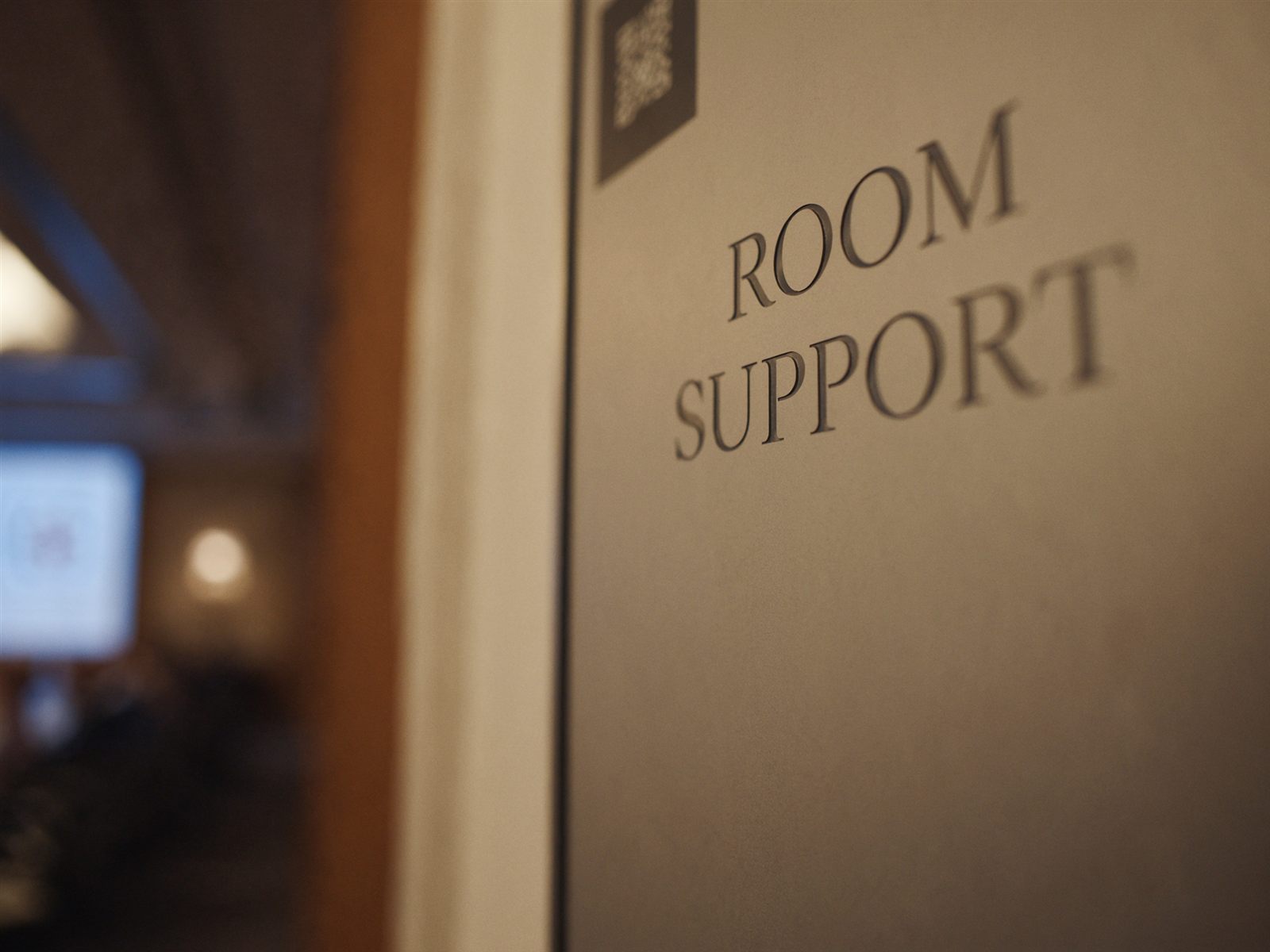
Remedy AI puts Remy — an AI support engineer — in every conference room. When something isn't working, anyone can scan the QR code on the wall or call. Remy diagnoses the room, fixes what it can, and brings in your team with full context when it can't.
Built for the rooms you already run
The problem
When a conference room fails, the meeting stops, someone runs for help, and a technician walks the floor to press the same buttons and check the same cables — often for something that could have been fixed in seconds. Multiply that across a building, a campus, or a hundred sites, and room support becomes one of the most expensive tickets in the queue.
Meetings don't wait
Every minute a room is down is a minute a full calendar of people isn't working.
Dispatches are expensive
Most in-room issues don't need a person in the room — they need the right first response.
Context gets lost
By the time a ticket reaches a technician, nobody remembers what was actually tried.
How it works
Anyone in the room scans the QR code on the wall or dials Remy directly. No app to install, no portal to log into, no account to remember. Seconds later they're talking to Remy.
The QR code tells Remy exactly which room it is. Before the conversation starts, Remy has the room's equipment list, its live device telemetry, its documentation, and its support history. Nobody has to explain what kind of system is on the wall.
Remy fixes what it can remotely, walks people through the rest in plain steps, and when a human is needed, hands off warm — with a ticket, the transcript, and everything it found. The meeting gets moving again.
What Remy does
Remy works the way your best technician does: understand the problem, check the evidence, then act. It just does it in seconds, in every room at once.
People describe symptoms — “we can't hear them,” “the screen is blank.” Remy translates that into systems: microphones, codec, display, routing — and knows which of them live in this room.
Remy reads live telemetry from the room's connected devices to see what's actually happening — what's online, what's muted, what's asleep, what's throwing alerts — instead of guessing from the description alone.
For each issue, Remy spawns focused diagnostic agents that inspect device status, room context, known issues, documentation, and the controls available — in parallel, before it recommends anything.
Remy's answers are grounded in your environment: equipment and licenses, DSP configuration, bill of materials, scope of work, room source code, support notes, and your own documentation. Advice that matches what's actually installed.
A decision framework governs every issue: control the room, guide the user, escalate to a person, or create a ticket. Actions are permission-based, logged, and bounded by what your organization allows.
Where supported, Remy performs room controls — waking systems, switching inputs, adjusting audio, restarting components. Where hands are needed, it gives simple, jargon-free steps anyone can follow.
The decision framework
For supported systems, Remy resolves the issue directly — with the user's permission — and confirms the room is healthy before saying goodbye.
When the fix needs hands — a cable, a button, a lens cap — Remy walks the person through it step by step, in plain language, checking as they go.
When a human is needed, Remy warm-transfers to IT or your managed service provider — and briefs the technician first, so no one ever asks “so, what seems to be the problem?”
Remy creates the helpdesk ticket in ServiceNow or your ticketing system — with the transcript, room context, issue summary, and diagnostic findings attached. Your team starts from evidence, not from scratch.
Inside every escalation
Who it's for
Fewer walk-and-see dispatches, fewer “room down” fire drills, and tickets that arrive pre-diagnosed. Your team works the queue, not the hallways.
Rooms get supported the way they were built. Remy reads the room's documentation, bill of materials, and scope of work — your engineering survives the handover.
Offer 24/7 in-room response without scaling headcount to match. Multi-tenant by design, with each customer's rooms, documents, and escalation paths kept separate.
Rooms people trust. Meetings that start on time. And a clear record of which rooms fail, how often, and why — so recurring problems actually get fixed.
Integrations
Remedy AI layers on top of your existing estate — no rip-and-replace. Remy uses the telemetry and controls your rooms already expose.
Enterprise-grade by design
Remy asks before it acts. Organizations decide which actions are pre-approved and which always require a person's OK.
Every check, action, and conversation is logged and attached to the ticket — a full audit trail, not a black box.
Each organization's rooms, documentation, credentials, and escalation paths are kept strictly separate.
Remy escalates when the issue needs hands, expertise, or policy says so — early and with context, not after wasting the user's time.
Common questions
The code identifies the exact room and connects the person to Remy — by voice — with the room's equipment, telemetry, documentation, and history already loaded. They just describe the problem in their own words.
No. Remy is the first response — the part that today means a walk to the room. Real issues still reach your team, but they arrive diagnosed, documented, and ticketed instead of as a phone call saying “the room is broken.”
It depends on the room. Where systems support it, Remy can do things like wake or restart equipment, switch inputs, adjust audio, and manage the camera. Every action is permission-based and can be limited by your policies.
A ticket in ServiceNow (or your system) with the transcript, room context, issue summary, and diagnostic findings — plus a warm phone handoff where configured, with the technician briefed before they take the call.
A QR code in each room, and connecting the room systems and documentation you already have. There's nothing for end users to install or learn.
Remy is standing by
A 20-minute walkthrough with a live room. Bring your hardest support ticket.
David deGruy · ddegruy@wise-av.com · 205-919-7770